The classic Fireboy & Watergirl series built its reputation on one thing: games that are better when you're both thinking out loud. If that's what brought you here, you're in the right place. We've put together a guide to the best co-op browser games you can play today, plus the mindset that makes them click.
Co-op games are different from competitive 2-player titles. Nobody is trying to beat the other person. Both players share the outcome — win together, lose together, solve together. That changes how controls and pacing work, and it's worth understanding before you dive in.
What Makes a Great Co-op Browser Game?
Four things, in order of importance:
1. Split responsibilities. The best co-op games give each player a distinct role so you're not fighting over who does what. 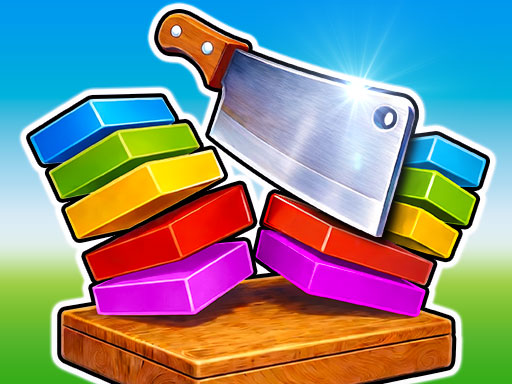 Slicer Duo splits rhythm timing between the two players;
 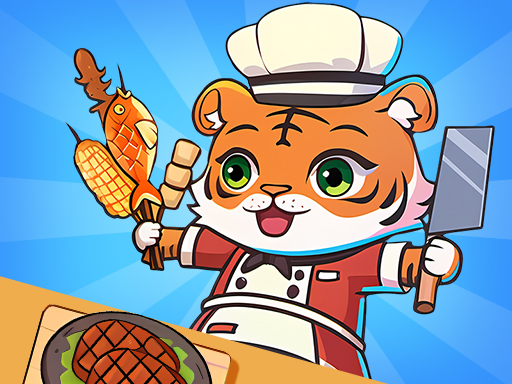 2 Player Games Kids Kitchen splits prep from plating.
2. Fair failure. When one player messes up, the punishment should feel shared, not one-sided. Avoid games where a single mistake makes the whole run collapse — those turn into blame sessions.
3. Short loops. Co-op is at its best when rounds reset in seconds. You want to fail fast and try again, not reload a long save file.
4. Same-keyboard-friendly. One laptop, one WASD, one Arrow Keys. No extra controllers to hunt down.
Our Top Co-op Picks on TwozyGames
Slicer Duo — rhythm-based co-op slicing. The closest modern analog to the teamwork puzzle genre Fireboy & Watergirl pioneered. Both players slice in sync, which means you're communicating constantly.
2 Player Games Kids Kitchen — split-task cooperative cooking. Don't be fooled by "kids" in the title; it's an honest Overcooked-lite experience for any two players who like a time-pressure teamwork loop.
Communication Tips That Actually Work
Call out what you're doing, not what's happening. "I'm going left" is more useful than "that thing is here." Your partner can see the screen too — they need to know your plan, not a description.
Accept early losses. You'll fail the first few rounds of any co-op game. That's the point. It's how you learn each other's reflexes.
Alternate who leads. Long-term, couples who alternate who decides what to do next tend to stay in co-op games longer. Constant leadership from one side burns the other side out fast.
Trying Co-op With a Partner Who Doesn't Play Games
Co-op is the single best onboarding format for a non-gamer partner — better than competitive multiplayer and better than solo play. A few practical pointers if that's your situation:
Start with single-task co-op, not split-task. Single-task co-op means both players are doing the same thing at the same time, just on different inputs (think rhythm-syncing in Slicer Duo). Split-task means each player does a different job (chopping vs. plating in Kids Kitchen). Single-task is much easier to onboard because nobody has to remember a separate set of controls.
Don't take the keyboard. Even if you think you're "helping," reaching across to fix the other player's mistake teaches them that they can't play. Let the round fail. Co-op fails build co-op confidence.
Pick a short loop first. A 30-second round that resets cleanly is much better than a 5-minute level where a single mistake forces a restart. Slicer Duo loops in under a minute per song; Volley Bean rallies last 10–30 seconds. Both are good first picks.
Pause and chat. One of the underrated parts of co-op gaming is that it gives you a shared topic to talk about that isn't work or chores. Take the natural breaks the game gives you — the round-over screens — and actually use them.
When to Stop
Co-op is physically more tiring than solo gaming because you're multitasking conversation and controls. 30–45 minutes is a good session length. Save the "just one more level" impulse for solo games.
Ready to start? Pick one of the three games above, grab your partner, and load up the game page. All three are free, no downloads, and run instantly in the browser.