You've got one laptop and two people. You don't want to buy controllers, install Steam, or set up Parsec. You just want to play together right now. That's exactly what same-keyboard browser games solve — and this guide walks you through how to get set up in under a minute.
Most 2-player browser games support a split WASD / Arrow Keys layout out of the box. That's the convention we'll cover first, then we'll get into ergonomics, troubleshooting, and our top recommended titles.
The Standard Control Layout
Nearly every 2-player browser game uses this setup:
Player 1 (left side of keyboard):
- W = up / jump
- A = left
- S = down
- D = right
Player 2 (right side of keyboard):
- ↑ = up / jump
- ← = left
- ↓ = down
- → = right
Some games add extra keys — Space, Shift, Enter, F, K — for special actions like attack, slide, or item use. The in-game instruction screen tells you which.
Ergonomics That Actually Matter
Sit side by side, not stacked. Both of you want a clean reach to the keyboard half you own. If one person leans over the other's shoulder, the session gets uncomfortable fast.
Use a full-size keyboard if you can. Laptop keyboards are cramped for two; the Arrow Keys are often mashed up against the edge. An external USB or Bluetooth keyboard fixes this for $20.
Angle the keyboard. A slight tilt toward each player's side helps both of you reach the middle keys naturally.
Raise the screen. If you're using a laptop, its default height is designed for one person looking straight down. Put it on a stack of books so both players can see comfortably.
Troubleshooting Stuck Keys (Key Rollover)
Cheap and many laptop keyboards can only register a limited number of simultaneous key presses. This is called key rollover, and it's the most common reason same-keyboard games "feel broken."
Symptoms: your character stops moving when the other player attacks, or jump stops working mid-combo.
Fixes, in order:
1. Press fewer keys at once. If both players are holding 3+ keys simultaneously, that's the problem. Try to release direction keys briefly when mashing action keys.
2. Swap to a different keyboard. Mechanical keyboards almost always have full n-key rollover. Most modern USB keyboards support at least 6KRO.
Our Top Same-Keyboard Recommendations
Best for beginners: Volley Bean — three keys per player, short rallies, no combo inputs.
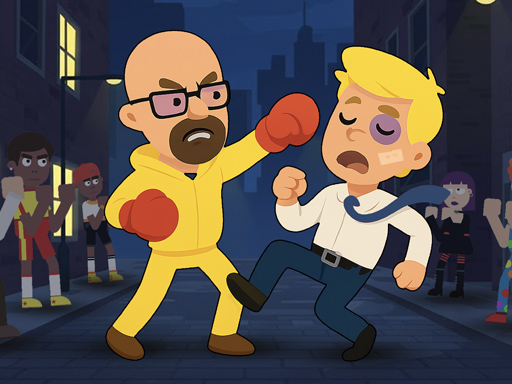
Best for fighting fans: Drunken Fighters — wobbly physics smooths over any key-rollover hiccups.
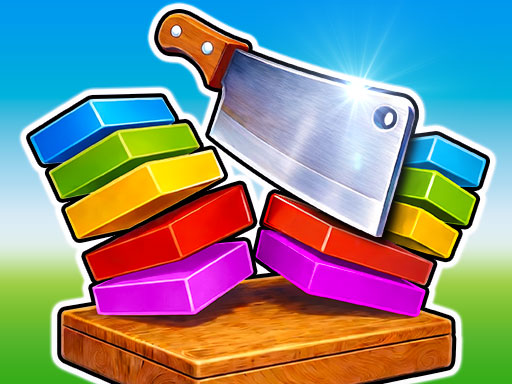
Best for teamwork: Slicer Duo — co-op, not competitive. No one feels like they're losing.
Pass-the-Device Alternative
If sharing a keyboard feels too cramped, turn-based games let you pass the laptop back and forth. Try  Match Fighter on alternating rounds for a turn-based brawl.
Browse all our 2-player games or see our top 10 picks to find your next favorite.